Control Who Can Access What
Give every employee the right access without giving them access to everything. ConnectSimpli's role-based access control lets you create user roles, set permissions and protect sensitive HR, payroll and financial information in one secure HR system.
Free up to 5 employees No card required Setup in minutes
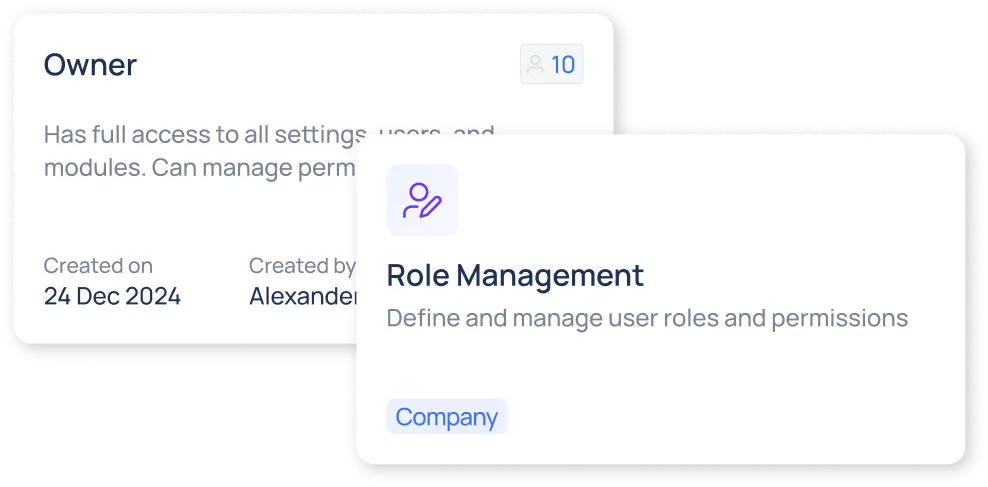
Less Admin. More Control.
Roles That Fit Your Business
Create custom employee roles based on responsibilities, departments and management levels. Activate or deactivate roles as your organisation changes.
Simple, Clear Permissions
Control what each role can view, create, edit or delete across your HR software, so every employee gets the access they need.
Protect Sensitive HR Data
Keep payroll, financial, employee and other confidential HR information restricted to authorised users.
Create Roles That Match Your Organisation
Build custom user roles with clear names, responsibilities and descriptions. Assign employees to the right roles and update access quickly as teams and responsibilities change.
- Custom role definitions
- Activate or deactivate roles
- Fast employee assignment
Set the Right Permissions for Every Role
Control access at the module level and decide exactly what users can do. Give employees the tools they need while keeping sensitive information protected.
- View, create, edit and delete controls
- Module-level access permissions
- Payroll and HR data restrictions
Manage User Access From One Place
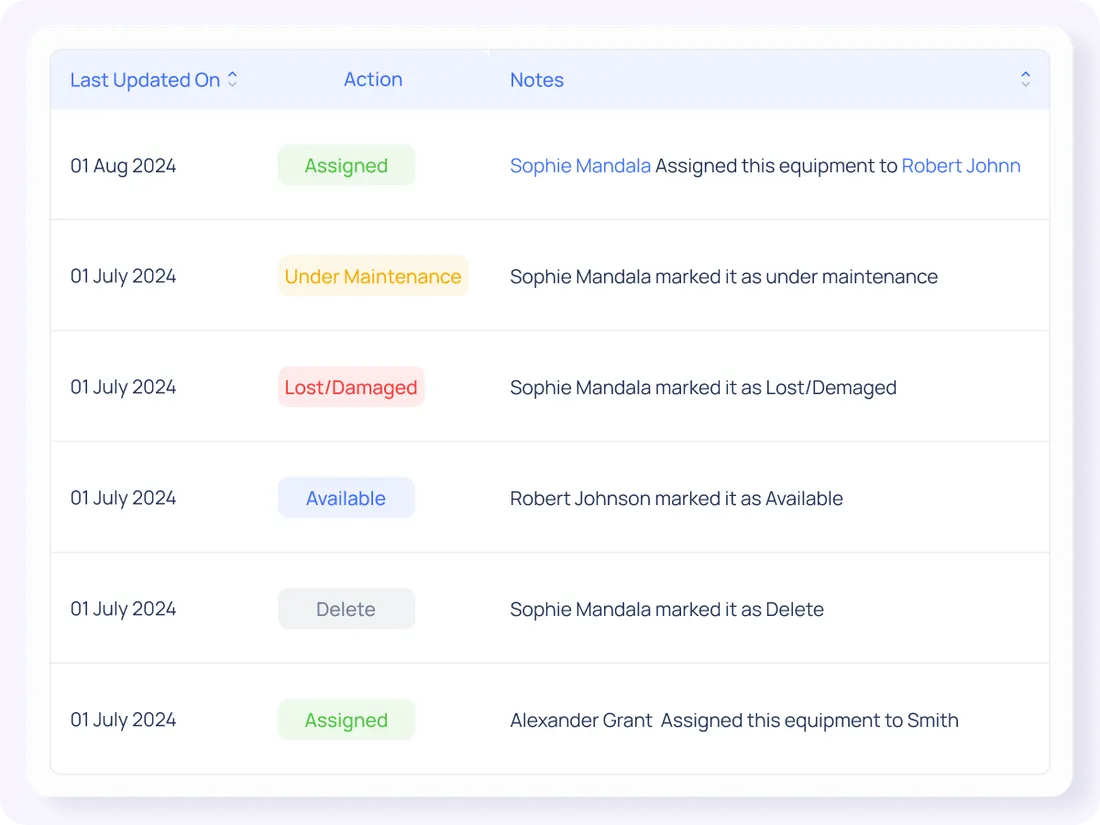
See every role and assigned user from one dashboard. Reassign users, update permissions and keep a clear record of access changes as your business grows.
- Company-wide role visibility
- Real-time permission updates
- Permission audit tracking
Frequently Asked Questions
What is role-based access control?+
Role-based access control lets a business decide what employees can see and do based on their assigned role and responsibilities.
Can I create custom employee roles?+
Yes. You can create custom roles with your own names, descriptions and permissions.
Can I control what employees can do?+
Yes. Permissions can be set for viewing, creating, editing and deleting information across different HR modules.
Can I restrict payroll access?+
Yes. Payroll, financial and sensitive HR information can be limited to authorised roles.
Do permission changes update immediately?+
Yes. Access changes sync across supported devices so updates can take effect in real time.
Give Every Employee the Right Access
Protect sensitive HR and payroll information while keeping everyday work simple.
Free up to 5 employees